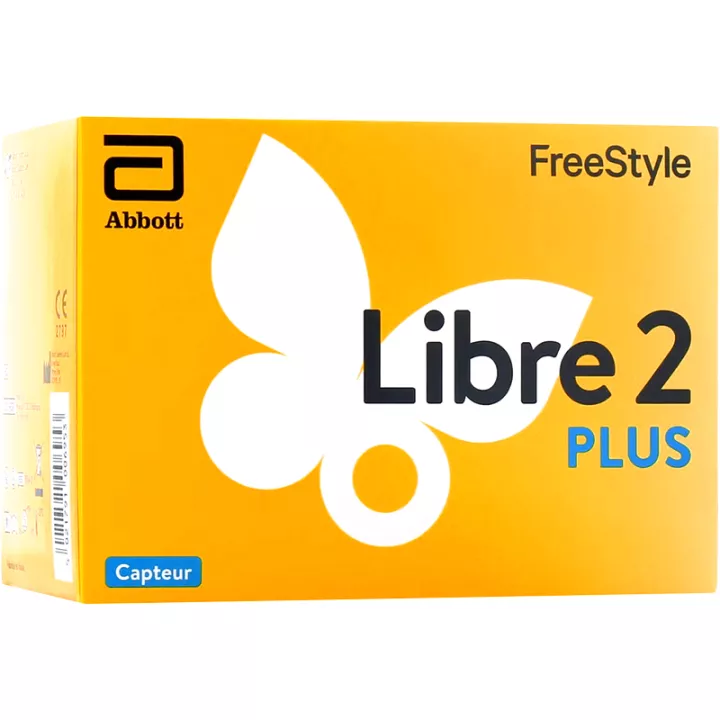
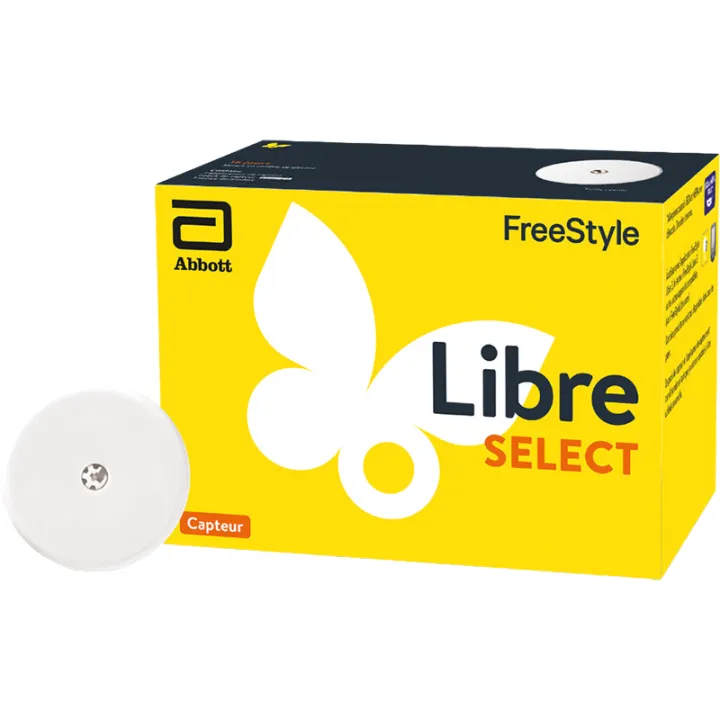
What is the FreeStyle Libre 2 Plus sensor used for?
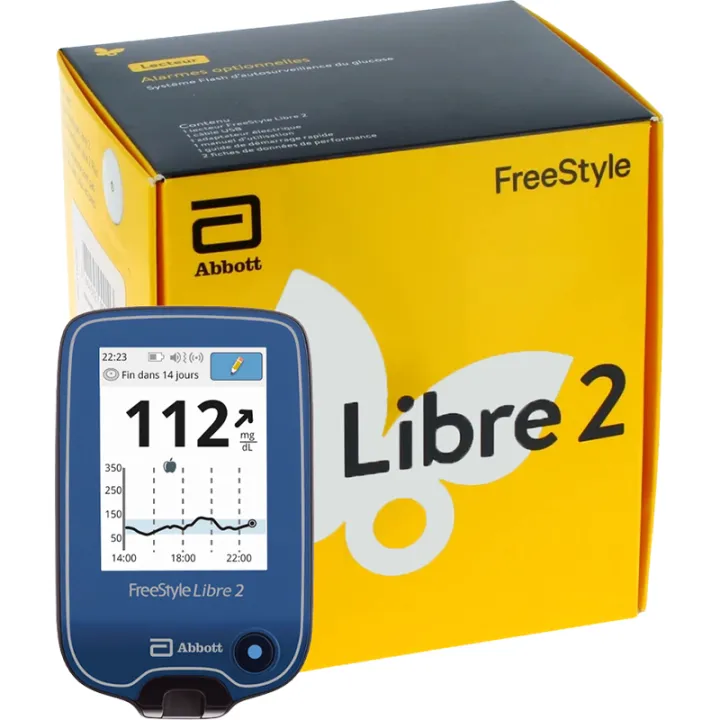
The FreeStyle Libre 2 and Libre 2 Plus sensors are compatible with the FreeStyle Libre 2 reader and the FreeStyle LibreLink app. Please note that the reader supplied for the French market displays results in mg/dL
Abbott’s FreeStyle Libre sensors allow you to view your interstitial glucose level without taking a blood sample for each reading. Very convenient.
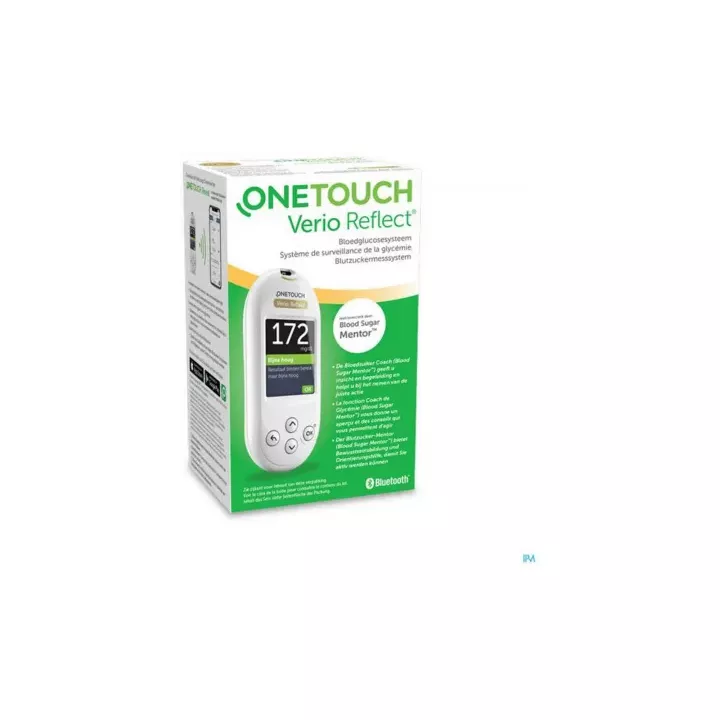
Please note: this FreeStyle Libre Sensor Kit does not include a reader. To measure yourblood glucose levels, you’ll need a FreeStyle Libre 2 reader or a compatible app. The FreeStyle Libre Meter Pack contains: 1 FreeStyle Libre meter, 1 USB cable, 1 power adapter, 1 user manual, and 1 quick start guide.
These Abbott FreeStyle Libre sensors are compatible with French FreeStyle Libre 2 readers.
Why choose to order the FreeStyle Libre 2 Plus sensors?
The FreeStyle Libre 2 andFreeStyle Libre 2 Plus sensors are continuous glucose monitoring devices designed to help people with diabetes track their blood glucose levels. Although they share similar features, several key differences set them apart:
1. Sensor Wear Time
- FreeStyle Libre 2: Each sensor is designed for 14 days of continuous use.
- FreeStyle Libre 2 Plus: The wear time is extended to 15 days, providing an extra day of continuous monitoring.
2. Minimum Age for Use
- FreeStyle Libre 2: Indicated for adults and children aged 4 and older.
- FreeStyle Libre 2 Plus: The indication has been expanded to include children as young as 2 years old, allowing for use in a younger pediatric population.
3. Glucose Sensor Accuracy
Sensor accuracy is measured by the MARD (Mean Absolute Relative Difference):
- FreeStyle Libre 2: MARD of 9.2%
- FreeStyle Libre 2 Plus: MARD of 8.2% under the conditions of the manufacturer’s performance study.
4. Real-Time Alarms
Both systems offer optional alarms to warn of low or high glucose levels. Data transmission with the FreeStyle Libre 2 Plus depends on the reading device used:
- FreeStyle Libre 2: With the FreeStyle Libre 2 reader, requires a manual scan of the sensor to obtain glucose readings, even after an alert. With a compatible version of FreeStyle LibreLink, readings can be received automatically.
- FreeStyle Libre 2 Plus: With a compatible version of FreeStyle LibreLink, automatically transmits glucose readings every minute via Bluetooth. With the FreeStyle Libre 2 reader, a scan is still required.
5. Compatibility of FreeStyle Sensors with Insulin Pumps
- FreeStyle Libre 2: Does not offer direct integration with insulin pumps.
- FreeStyle Libre 2 Plus: Compatible with certain insulin pumps, enabling more integrated diabetes management.
In summary, the FreeStyle Libre 2 Plus offers significant improvements over the FreeStyle Libre 2, including an extended wear time, suitability for use in young children as young as 2 years old, accuracy assessed by the manufacturer, optional real-time alerts, and compatibility with certain insulin pumps. These features enable interstitial glucose monitoring.
We also offer the Dexcom One Blood Glucose Sensor (pack of 3) in our online pharmacy.
How do you use this FreeStyle blood glucose sensor?
Share your feedback on the usage instructions and dosage for the FreeStyle Libre 15-Day Sensor with our partner Verified Reviews after your purchase.
Simply place the glucose sensor on the back of your upper arm using its applicator, with adult supervision for children as specified in the instructions. Then bring the sensor close to the meter and tap “Start New Sensor” on the FreeStyle Libre touchscreen. Scanning the sensor with the reader activates it. After the 60-minute start-up period, a scan allows you to view your interstitial glucose level for up to 15 days with FreeStyle Libre 2 Plus. A fingerstick test is still needed if readings do not match your symptoms or if you suspect an inaccurate result.
It’s fast, easy, and discreet! You can even scan the glucose sensor through clothing. For children, follow the minimum age and supervision requirements in the sensor’s instructions.
How can you optimize the placement of the FreeStyle Libre 2 sensor?
1. Choose where to place the sensor
Choose an area on the back of the upper arm.
Do not use moisturizers, lotions, or creams on the sensor application site, nor hand sanitizer (such as alcohol-based gel), nor moisturizing wipes to clean the skin.
Avoid placing the sensor over moles, scars, or tattoos.
Shave the area if necessary, as hair can get caught between the adhesive sensor and the skin.
2. When applying the Libre 2 Freestyle sensor
- Wash the application site with regular soap (non-moisturizing and unscented), rinse, and let it dry.
- Clean the area with an alcohol wipe.
- Dry the skin completely before applying the FreeStyle Libre 2 sensor, especially if you’re applying it after a shower.
3. Tips
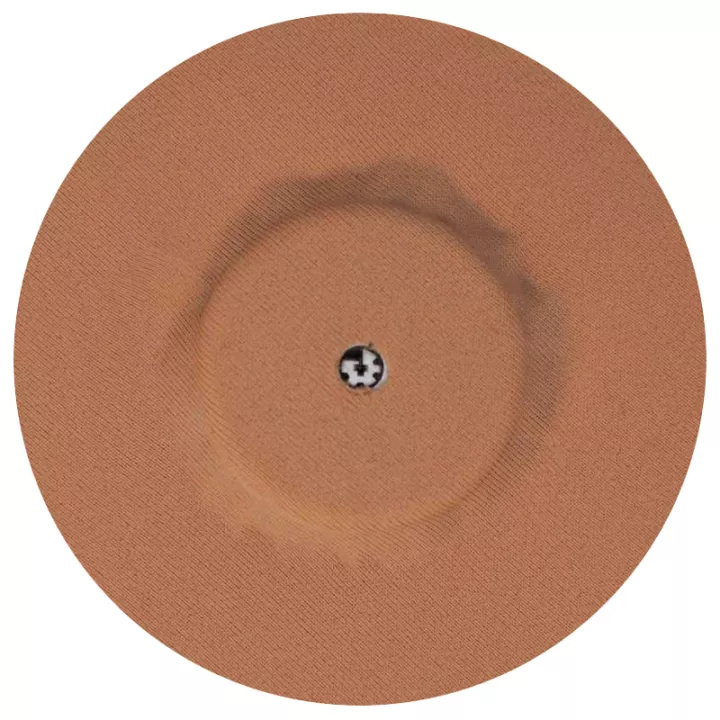
Your patients can also use products to protect their skin or improve sensor adhesion, such as adhesive strips, wipes, or sprays.
Important:
The hole in the center of the sensor must never be covered, so that the sensor can “breathe”;
Adhesive strips should be applied at the same time as the sensor.
Precautions for Use
- FreeStyle Libre blood glucose meters must be used according to their instructions and with sensors compatible with their version.
- Check with Abbott before using a sensor with a reader or app intended for another market.
- Thoroughly clean the skin before applying the sensor using the alcohol-soaked wipes provided in this kit.
- The sensor can be left on the skin for up to 14 days (Libre 2) or 15 days (Libre 2 Plus and Libre Select); your reader indicates when to replace the sensor; simply replace the sensor to continue using it.
- The sensor must not be submerged in water for more than 30 minutes.
- Store the sensor at temperatures between 4°C and 25°C and at a humidity level between 10% and 90%.
Why and how should you use the FreeStyle LibreLink mobile app with your FreeStyle Libre sensors?
This app is a medical device that allows you to use a smartphone instead of the FreeStyle Libre reader. You can scan the FreeStyle Libre sensor using either the FreeStyle LibreLink app, the FreeStyle Libre reader, or both when allowed by the instructions for the version used, following the required start-up order.
This app is compatible with selected smartphones and versions of Android and iOS.
With FreeStyle LibreLink, each time you scan, depending on the glucose level result obtained, a color-coded indicator appears alongside the result to better guide you:
- "High" glucose level according to the instructions: above 240 mg/dL
- Glucose level between the set target range and a level lower than 240 mg/dL but higher than 70 mg/dL
- Glucose level within the set target range
- "Low" glucose level according to the instructions: below 70 mg/dL
Features of FreeStyle LibreLink include:
- ADDING NOTES such as meals, insulin doses, physical activity, etc. You can add notes at any time
- GLUCOSE LEVEL HISTORY for the past 8 hours
- ESTIMATED HEMOGLOBIN A1C available among the app’s 7 reports
- VOICE READING OPTION for the current glucose level and trend arrow. This feature allows patients with visual impairments to hear their glucose reading and the direction of the trend arrow.
- 26 LANGUAGES available in the app
The FreeStyle LibreLink app is available for download from the App Store or Google Play.
What’s included?
1 sensor applicator
1 sterile sensor pack
2 alcohol-soaked wipes
Product Description
Freestyle Libre 2 sensor boxes contain 2 sensors.
Our advice and expert opinions from pharmacists on blood glucose monitoring
- The sensor continuously measures glucose levels in interstitial fluid
- The reader can scan the sensor through clothing
- FreeStyle Libre 2 Plus can be worn for up to 15 days (to continue using the FreeStyle Libre system, you’ll need to purchase additional sensors)
- The FreeStyle Libre sensor is calibrated during manufacturing
Technical Specifications of the FreeStyle Libre 2 SENSOR
- SENSOR SIZE: 5 mm high and 35 mm in diameter
- SENSOR WEIGHT: 5 grams
- SENSOR POWER SOURCE: A silver oxide battery
- SENSOR LIFESPAN: Up to 14 days
- SENSOR MEMORY: 8 hours (glucose readings recorded every 15 minutes)
- OPERATING TEMPERATURE: 10°C to 45°C
- STORAGE TEMPERATURE FOR APPLICATOR AND SENSOR PACK: 4°C to 25°C
- RELATIVE HUMIDITY (OPERATING AND STORAGE): 10% to 90% non-condensing
- SENSOR WATER RESISTANCE: IP27: can withstand immersion in one meter of water for up to 30 minutes
- OPERATING AND STORAGE ALTITUDE: -381 meters to 3,048 meters
- RADIO FREQUENCY: -BLE 2.402 to 2.480 GHz; GFSK; 0 dBm EIRP